
Creating a faceless YouTube channel sounds simple until you reach the voiceover stage.
You need narration that sounds natural, keeps viewers interested, and does not require you to record every video yourself. Hiring a voice actor can become expensive, while recording your own voice may not be an option for everyone.
That is where AI voice cloning comes in.
AI voice cloning allows software to create a synthetic version of a person’s voice from a recording and then generate new speech using that voice. Modern tools can produce surprisingly natural results, but there is an important difference between free voice cloning, free text-to-speech, and a free trial.
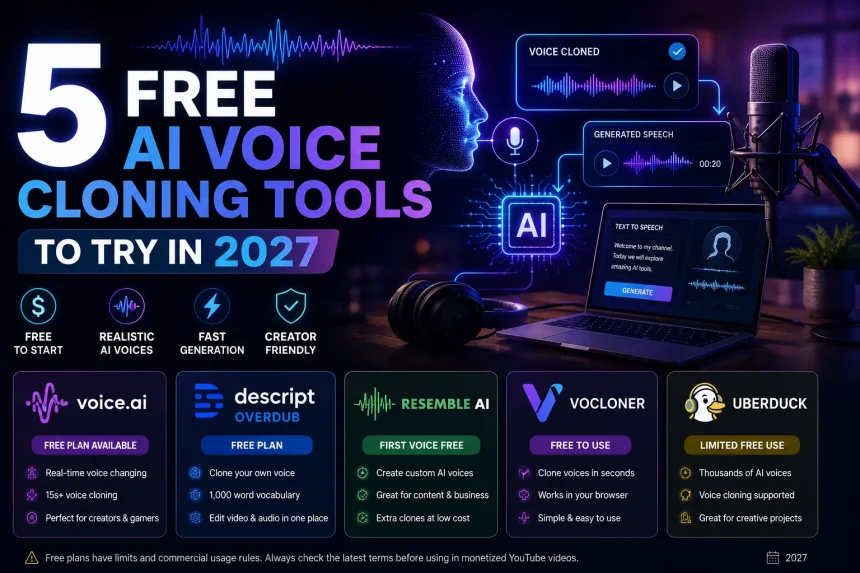
For this reason, we looked at tools that currently offer some form of free or limited-free voice cloning and focused on what they are actually useful for.
“Important: Free does not automatically mean that the generated voice can be used commercially. Always check the tool’s current licensing terms before using cloned voices in monetized YouTube videos.”
Quick Comparison
| Tool | Free Option | Voice Cloning | Best For |
|---|---|---|---|
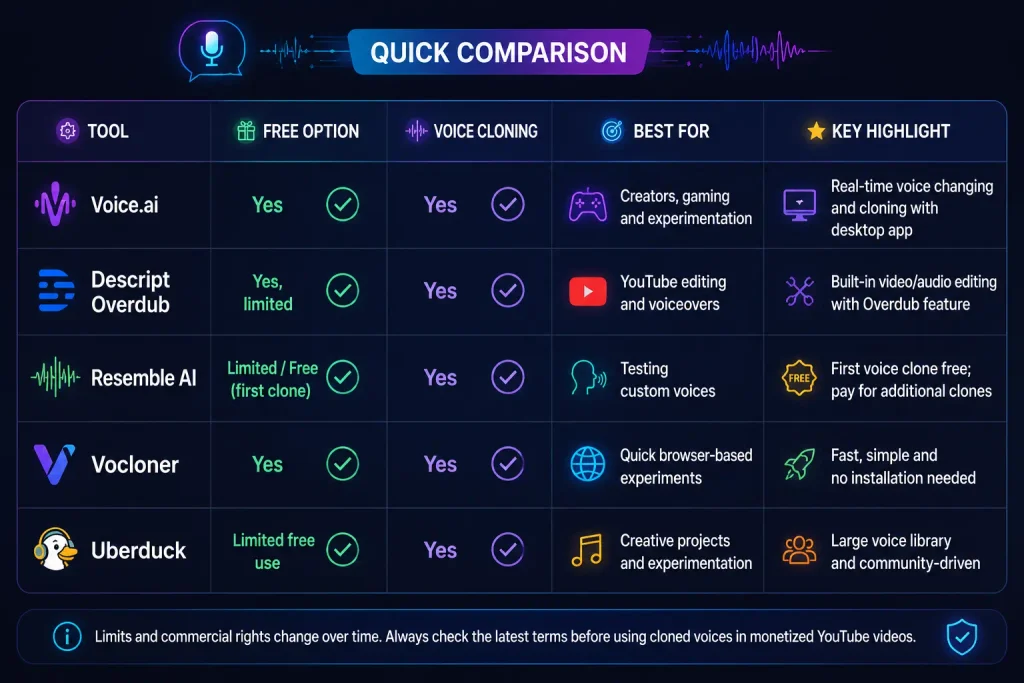
| Voice.ai | Yes | Yes | Creators, gaming and experimentation |
| Descript Overdub | Yes, limited | Yes | YouTube editing and voiceovers |
| Resemble AI | Limited/free first clone | Yes | Testing custom voices |
| Vocloner | Yes | Yes | Quick browser-based experiments |
| Uberduck | Limited free use | Yes | Creative projects and experimentation |
The exact limits and commercial rights can change, so treat the free options as a way to test a workflow rather than assuming you can produce unlimited monetized videos at no cost.
1. Voice.ai
Voice.ai is one of the more interesting options if you want to experiment with voice cloning without immediately paying for a subscription.
Its voice-cloning system can create a custom voice from a relatively short recording. Voice.ai currently advertises voice cloning from around 15 seconds of audio and provides both voice transformation and voice-generation features.
What makes Voice.ai useful?
The biggest advantage is that it is not limited to traditional text-to-speech. The platform has a strong focus on real-time voice transformation, making it particularly useful for:
- YouTube creators
- Gamers
- Streamers
- Character voices
- Voice experiments
- Content creators who don’t want to record every line
The company also provides a free downloadable application.
How much audio do you need?
The amount of audio required depends on the voice-building method and the quality you want.
Voice.ai’s support documentation recommends clean audio and says its desktop voice-building process works best with around 15 minutes of high-quality audio. Background noise, music and multiple speakers can reduce the quality of the resulting voice.
Best for
Best choice for creators who want to experiment with voice cloning and real-time voice changing.
2. Descript Overdub
Descript is particularly interesting for YouTube creators because voice cloning is built into a broader video and audio editing workflow.
Its Overdub feature can create a synthetic version of your own voice and then generate speech from typed text. Descript says Overdub is available on free accounts, although free and Creator accounts have a 1,000-word vocabulary limit, while Pro provides unlimited vocabulary.
This makes Descript different from a standalone voice-cloning website.
You can use it to:
- Import your video.
- Edit the transcript.
- Correct mistakes in your narration.
- Generate replacement speech.
- Continue editing the video in the same application.
One important restriction
Descript does not allow you to simply clone another person’s voice.
Its documentation states that Overdub voices can only be created using your own voice, with a consent process included during voice training.
That is a useful safeguard for creators who are worried about accidentally crossing into impersonation.
Is Descript completely free?
No.
The voice-cloning feature is available on free accounts, but the free version has limitations. Descript’s current pricing also places more advanced Overdub capabilities on higher plans.
Best for
YouTube creators who want voice cloning and video editing in one application.
3. Resemble AI
Resemble AI is another option worth testing if you want to create a custom AI voice.
Resemble’s current product allows users to create AI voice replicas, and the company changed its pricing in May 2026 so that the first voice clone is free, with additional clones priced separately.
That makes it useful for someone who wants to test voice cloning before committing to a paid service.
What can you use it for?
Depending on the plan and features available to your account, custom AI voices can be useful for:
- YouTube narration
- Podcasts
- Short-form videos
- Product videos
- Character voices
- Voice prototypes
The major advantage is that you can test the technology without immediately paying for multiple voice models.
The catch
The free option should be viewed as a testing opportunity rather than unlimited free production.
If you’re planning to build a YouTube channel that publishes several videos every week, you’ll need to look carefully at generation costs and commercial licensing before making Resemble your main production tool.
Best for
Creators who want to test professional-style voice cloning before paying for a larger production workflow.
4. Vocloner
Vocloner is a simpler option for people who don’t want to install a large video-editing application.
It is designed around a straightforward process:
Upload voice → create clone → generate speech
This makes it useful for someone who simply wants to understand how AI voice cloning works without learning a complicated editing platform.
Current 2027 comparisons of free voice-cloning services list Vocloner among the tools offering basic voice cloning and speech generation without requiring a traditional paid workflow.
Why beginners might like it
A simple interface can be an advantage when you’re only testing an idea.
For example, you could record a short voice sample, create a clone and generate several sentences to see whether the voice sounds natural enough for your planned content.
Where it falls short
Free voice cloning generally comes with compromises.
You may encounter:
- Lower-quality output
- Fewer customization options
- Less control over emotion
- Limited generation
- Less consistent results
For a short experiment, those limitations may not matter.
For a serious YouTube channel, they can become noticeable quickly.
Best for
Beginners who want to experiment with basic voice cloning in a browser.
5. Uberduck
Uberduck has been around the AI voice space for several years and is particularly associated with creative voice generation.
The platform has offered voice cloning alongside a large collection of community-created voices, making it more focused on experimentation and creative projects than traditional corporate narration.
Current 2027 comparisons list Uberduck among platforms offering limited free voice-cloning capabilities, although commercial use is restricted on its free tier.
What can you use Uberduck for?
It can be interesting for:
- Character voices
- Creative videos
- Experimental YouTube content
- AI music projects
- Voice demonstrations
The large variety of voices can also make it fun for creators who want something different from a standard narrator.
What should YouTube creators watch out for?
Don’t assume that because you can generate a voice for free, you automatically have commercial rights to use it.
This distinction is especially important if your channel is eventually monetized.
Before publishing commercial content, read the current license and usage restrictions associated with the voice you are using.
Best for
Creative experiments and non-commercial projects where voice variety is more important than a professional production workflow.
What Is the Best Free AI Voice Cloning Tool?
There isn’t one answer for everyone.
Your best option depends on what you’re actually trying to accomplish.
If you want your own cloned voice
Descript is a strong option because Overdub is designed specifically around creating a version of your own voice and integrating it with video editing.
If you want to experiment with voice cloning
Voice.ai is worth trying because it offers free access to voice cloning and focuses heavily on creator and real-time voice applications.
If you want to test a professional voice platform
Resemble AI is worth considering because its current system allows the first voice clone to be created free before additional cloning costs apply.
If you want something simple
Vocloner is useful for experimenting with the basic voice-cloning process.
If you’re creating unusual or creative content
Uberduck can be interesting because of its emphasis on creative voices and experimentation.
Can You Use AI-Cloned Voices on YouTube?
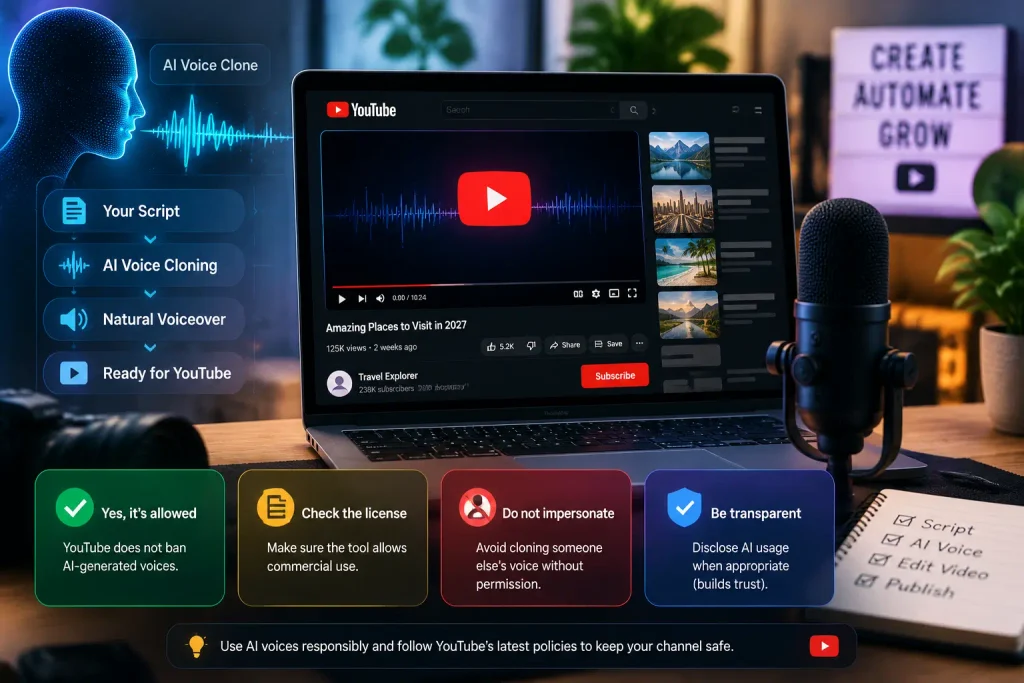
Yes, using AI does not automatically make a YouTube video ineligible for monetization.
The important part is how the content is created and whether you have the necessary rights.
YouTube says monetizable videos need to be original and non-repetitious, and creators need the necessary commercial rights for the audio and visual elements they use.
YouTube has also clarified that AI-assisted channels can remain eligible for monetization. The concern is not simply “AI was used”; the bigger issue is content that is mass-produced, repetitive or lacks meaningful original value.
That distinction matters enormously for faceless channels.
For example:
Better approach:
- Research your own topic
- Write an original script
- Add your own structure and commentary
- Use AI voice for narration
- Edit the video yourself
- Add meaningful visuals
- Provide useful information
Riskier approach:
- Generate hundreds of nearly identical scripts
- Use the same template
- Use an AI voice to read them
- Change only the topic
- Upload videos automatically
The second approach can look mass-produced rather than like genuine content.
Do YouTube Creators Need to Disclose AI Voice Use?
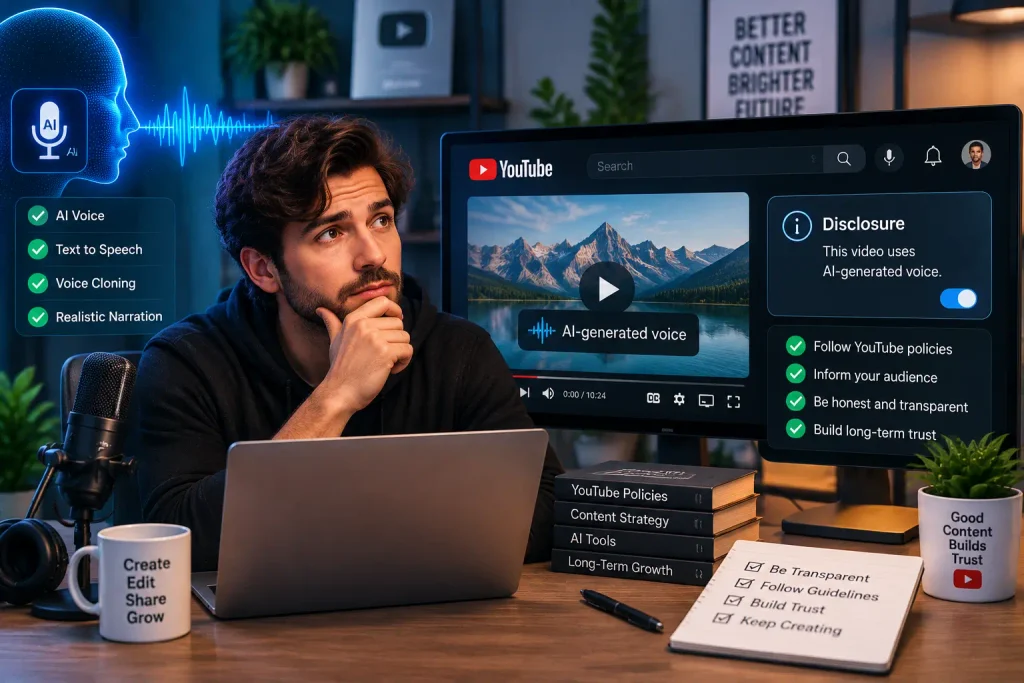
Not necessarily in every situation.
YouTube’s current guidance says creators must disclose AI-generated or meaningfully altered content when it appears realistic and could mislead viewers—for example, making a real person appear to say something they never said.
Interestingly, YouTube specifically lists cloning your own voice for voiceovers or dubbing among examples that do not require disclosure.
However, that does not mean you can freely clone somebody else’s voice.
YouTube has separate protections for people’s likenesses, including voices. A person can make a likeness claim when their voice or other likeness is used in altered or AI-generated content.
YouTube’s impersonation policy also prohibits using someone’s AI-generated likeness or voice in a way that falsely suggests they own or authorize your channel.
Can You Clone Someone Else’s Voice?
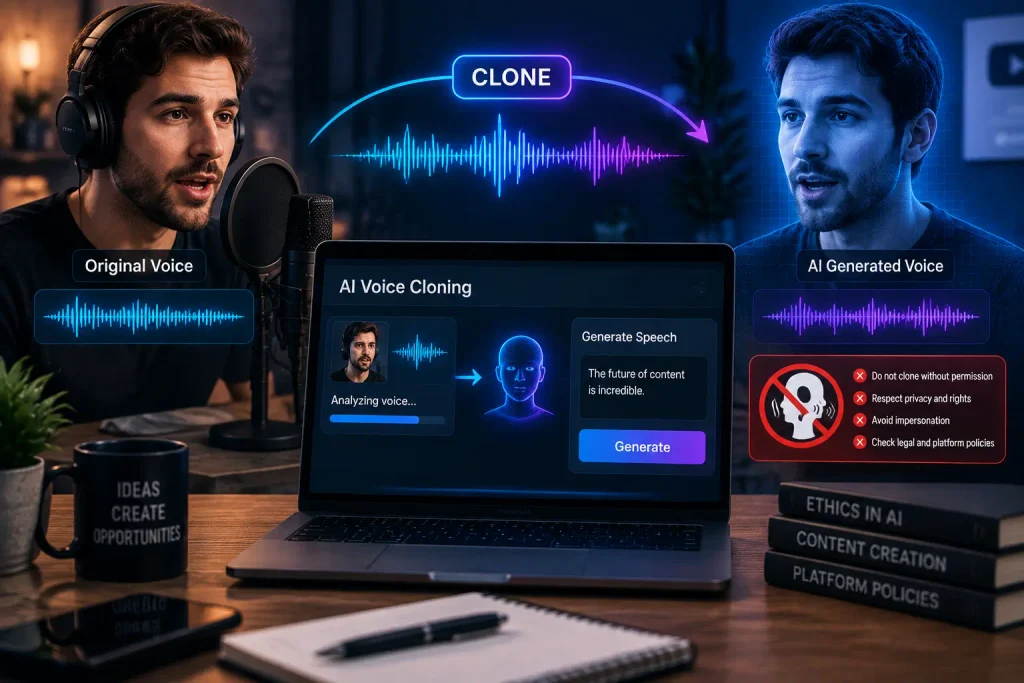
You should not clone another person’s voice without their permission.
This is particularly important when you’re creating a YouTube channel around a celebrity, influencer, public figure or another recognizable person.
If your goal is to create a faceless channel, you don’t need a celebrity’s voice anyway.
A much safer approach is to:
- Record your own voice.
- Create your own AI voice clone.
- Use a licensed synthetic voice.
- Use a stock AI narrator with appropriate commercial rights.
This gives you much more control over your content and reduces the risk of impersonation or likeness problems.
Are Free AI Voice Cloning Tools Good Enough for YouTube?
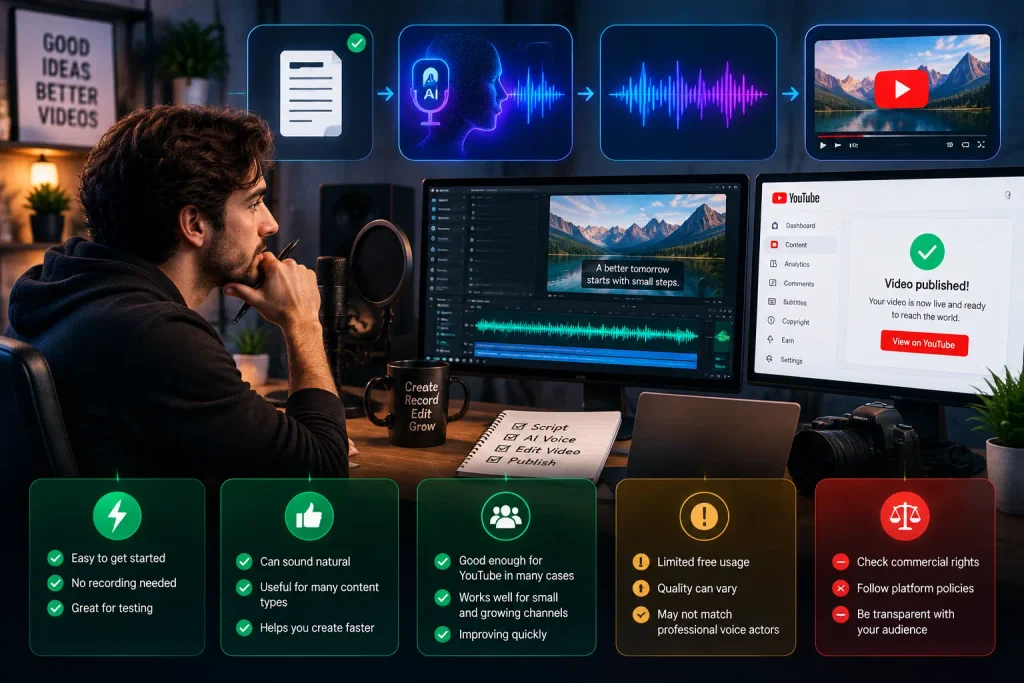
They can be.
But free doesn’t necessarily mean unlimited or production-ready.
The biggest limitations you’ll encounter are usually:
- Monthly generation limits
- Restricted vocabulary
- Watermarks
- Lower-quality voices
- Fewer controls
- Limited commercial rights
- Restricted exports
- Inconsistent voice quality
This is why it makes sense to test several tools before choosing one for a complete YouTube workflow.
Also remember that the quality of your source recording matters. Voice.ai, for example, recommends clean audio because background noise, multiple speakers and poor recordings can reduce the quality of a cloned voice.
Final Verdict
AI voice cloning has become much more accessible in 2027, but finding a tool that is free, realistic, unlimited and commercially usable is much harder than many online lists suggest.
For beginners, Voice.ai is a good place to experiment with voice cloning, while Descript is particularly useful if you want to combine voice cloning with video editing. Resemble AI is worth testing if you want to evaluate a more professional voice platform, while Vocloner and Uberduck can be useful for simpler or more creative experiments.
The most important thing is not simply choosing the tool with the best-sounding voice.
If you’re building a faceless YouTube channel, focus on creating original scripts, useful videos and genuinely valuable content. An AI voice should be part of your production process—not a replacement for the creative work that makes your channel worth watching.